Rollbacks
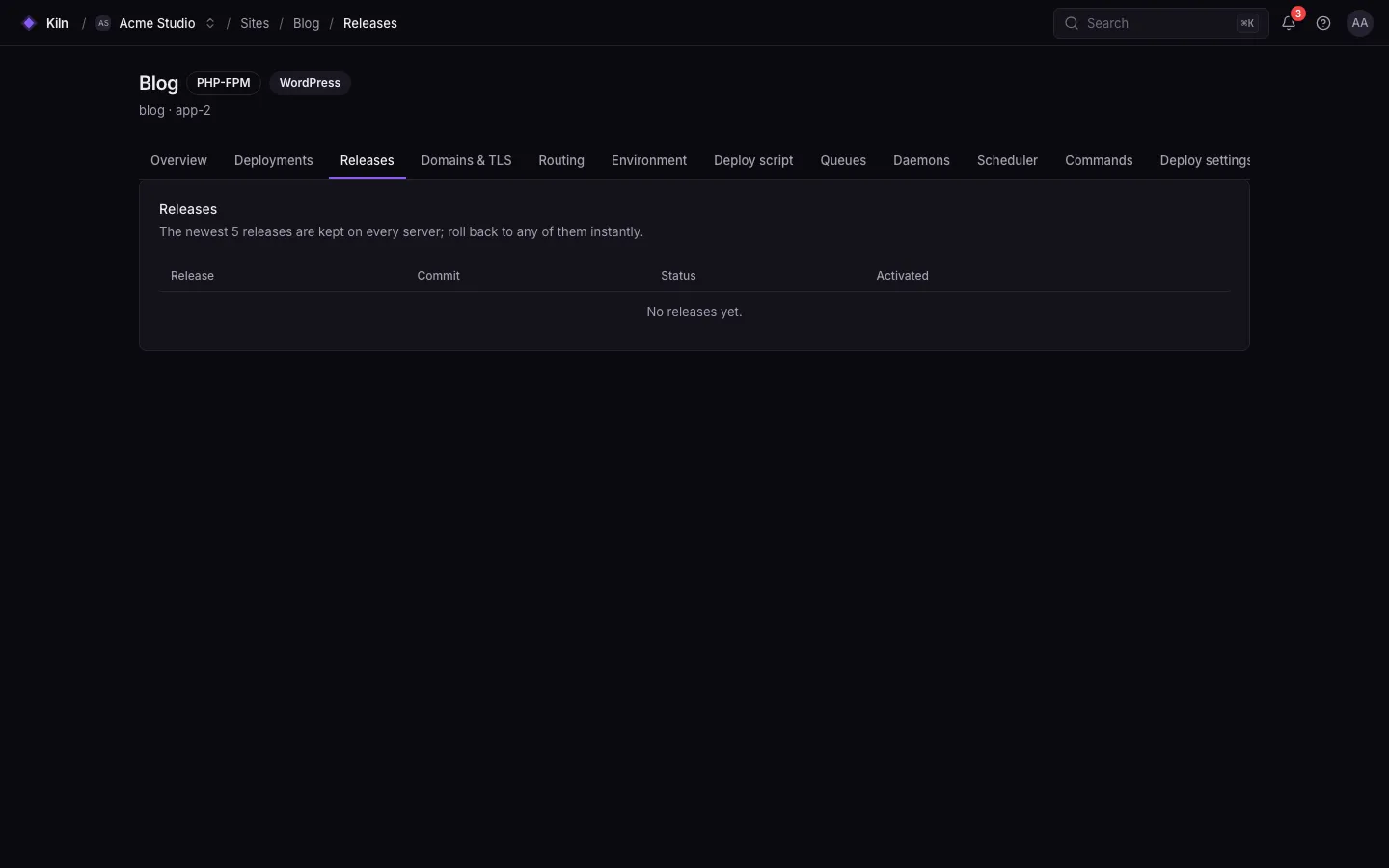
Falak keeps your recent releases on every server, so going back is a switch, not a rebuild. A rollback is a deployment with trigger rollback that activates an earlier release.
Roll back manually
Section titled “Roll back manually”- Open the site’s Deployments tab.
- On the deployment you want to return to, open ⋯ → Rollback. Or use ⋯ → Rollback… in the panel header to pick a release.
- Confirm. The rollback streams like any deployment.
falak releases shop # * marks the active releasefalak rollback shop --wait # to the previous retained releasefalak rollback shop --release 01k… --wait--wait streams output and exits with code 3 if the rollback fails.
curl -X POST https://falak.example.com/api/v1/sites/shop/rollback \ -H "Authorization: Bearer $FALAK_TOKEN" -H "Accept: application/json" -H "Content-Type: application/json" \ -d '{"release_id": "01k…"}'Omit release_id to use the newest retained release before the current one. 422 (errors.release_id) when the release is current, failed or pruned, or there is nothing to roll back to.
Automatic rollback
Section titled “Automatic rollback”A deployment rolls back by itself when a step fails after some servers switched — for example a failed health check. The deployment ends failed with rolled_back: true, the deployments.rolled_back alert fires, and every switched server serves the previous release again.
If a step fails before activation (build, fetch, prepare, migrate), nothing switched, so there is nothing to roll back.
What a rollback restores
Section titled “What a rollback restores”| Restored | Not restored |
|---|---|
| The release’s code | Database migrations (Falak never runs migrate:rollback) |
| The environment variables the release was deployed with | Files in shared paths (storage/, uploads) |
| Processes restarted with that release’s environment | External side effects of the newer release |
Docker: the previous image; Compose: the previous compose.yaml, .env and pinned digests |
Compose named volumes |
Which releases you can roll back to
Section titled “Which releases you can roll back to”- Releases are kept per site, 5 by default (Settings → Deploy → Releases to keep, 1–50).
GET /api/v1/sites/{site}/releaseslists them, current first, withcan_rollback.- A failed or pruned release cannot be activated.